An app from Excelano
Comma
A CSV editor that works like a spreadsheet — a familiar grid you edit by hand — except it won't mangle your data.
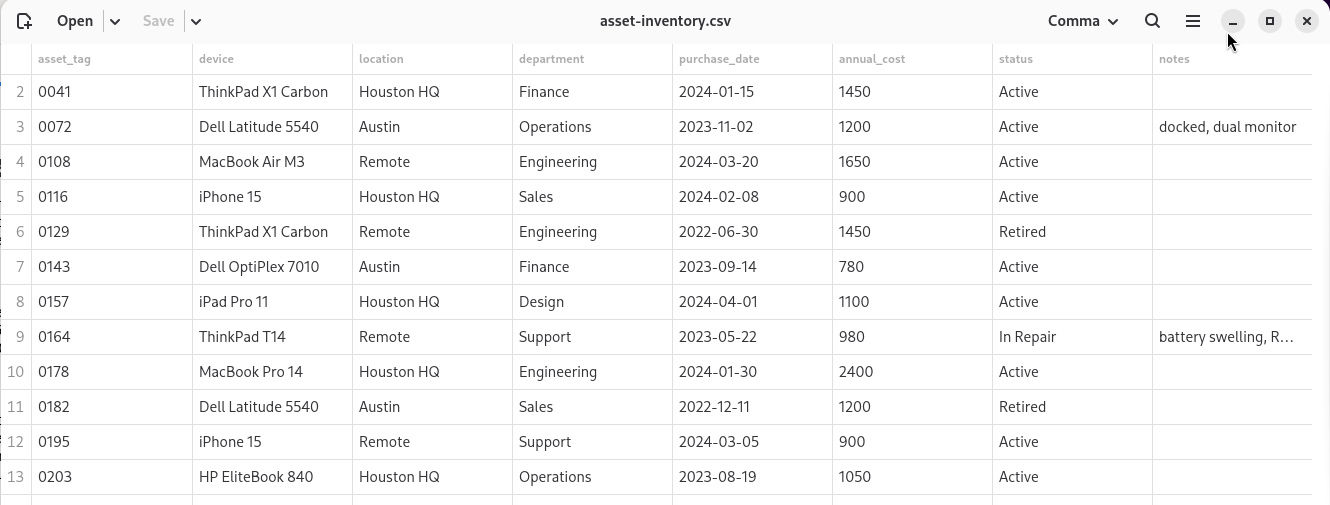
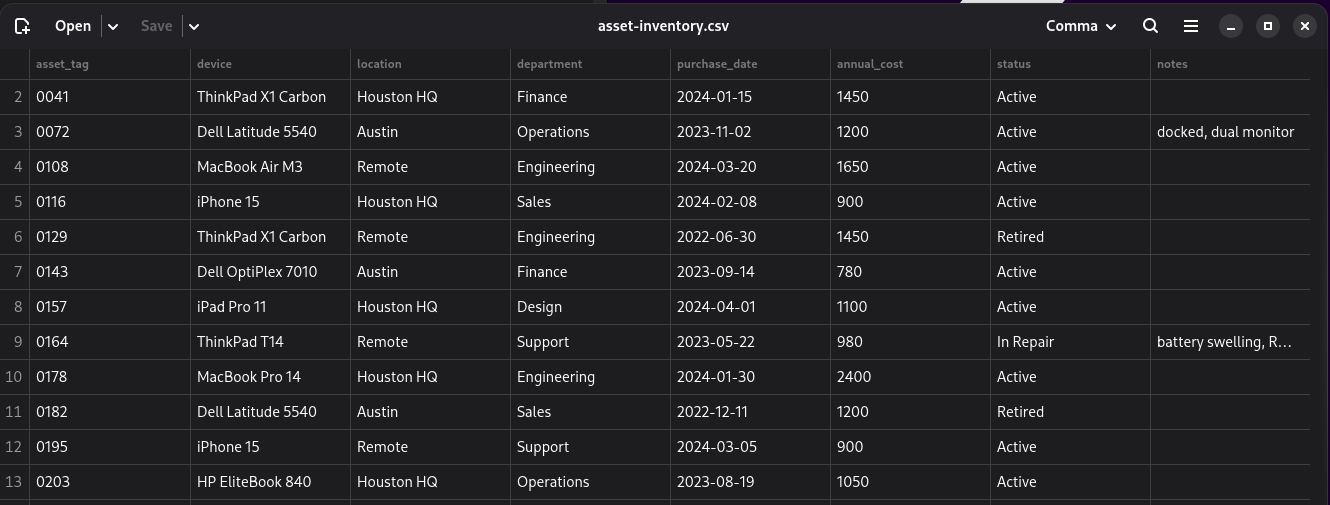
Comma shows a delimited file as a grid of values and saves it back as the same kind of file it opened, leaving every row you did not edit byte for byte as it was. Values are treated as text and never reinterpreted, so leading zeros survive, long identifiers stay whole, and dates are whatever the file says they are.
Except it won't mangle your data
A CSV is data, not a spreadsheet, and the tools built to open them keep treating the two as the same thing. Open one in a spreadsheet and the leading zeros drop off your account numbers, the long part numbers turn into scientific notation, and the dates reformat to whatever the machine prefers. You went in to fix one column and came out with a file whose identifiers no longer match the system they came from.
Comma treats every value as text and reinterprets nothing. A leading zero is a leading zero, a sixteen-digit account number is itself, a date is the string the file holds. Save a file you changed in one place and Comma changes that one line and nothing else — the rest of the file stays byte for byte as it was, so the diff is your edit and only your edit.
It is deliberately not a spreadsheet: there are no formulas, no cell formatting, and no second file format to save into. If you need those, Gnumeric and LibreOffice Calc are excellent, and Comma is not trying to replace them. Comma does one thing — edit the values in a delimited file without disturbing anything you didn't touch.
See it in action
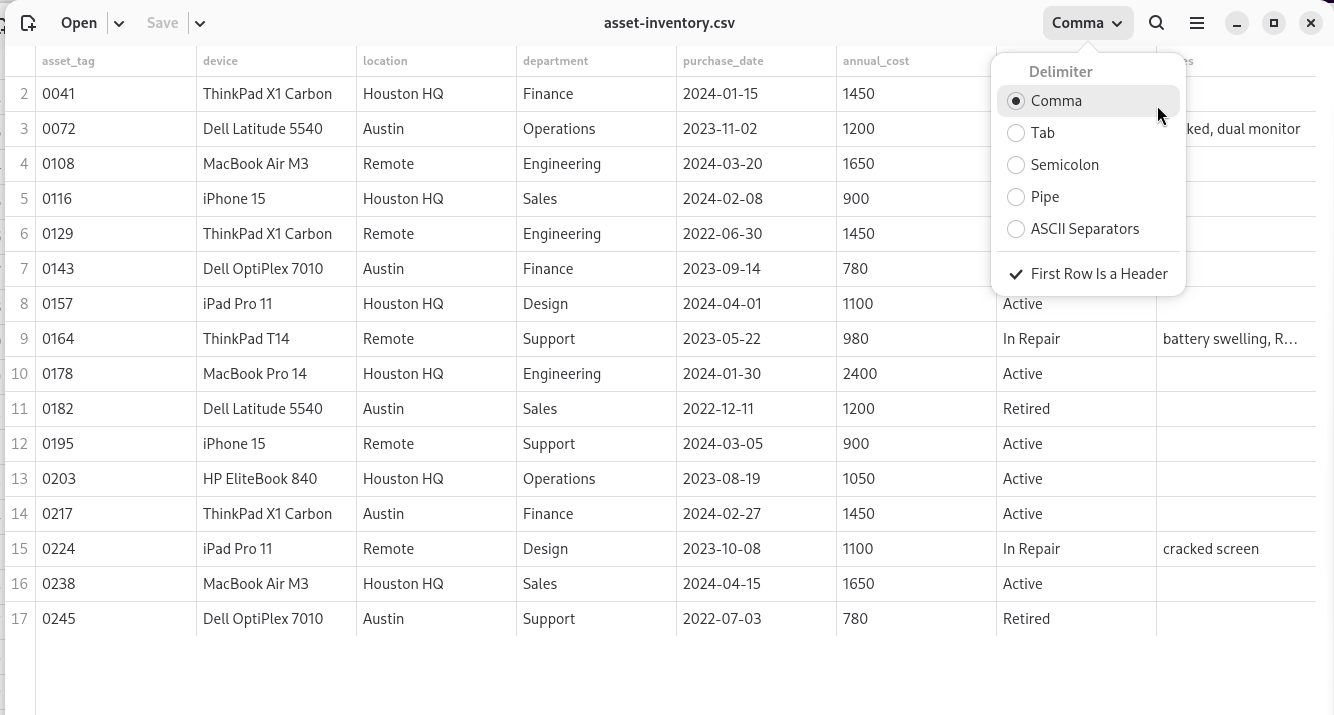
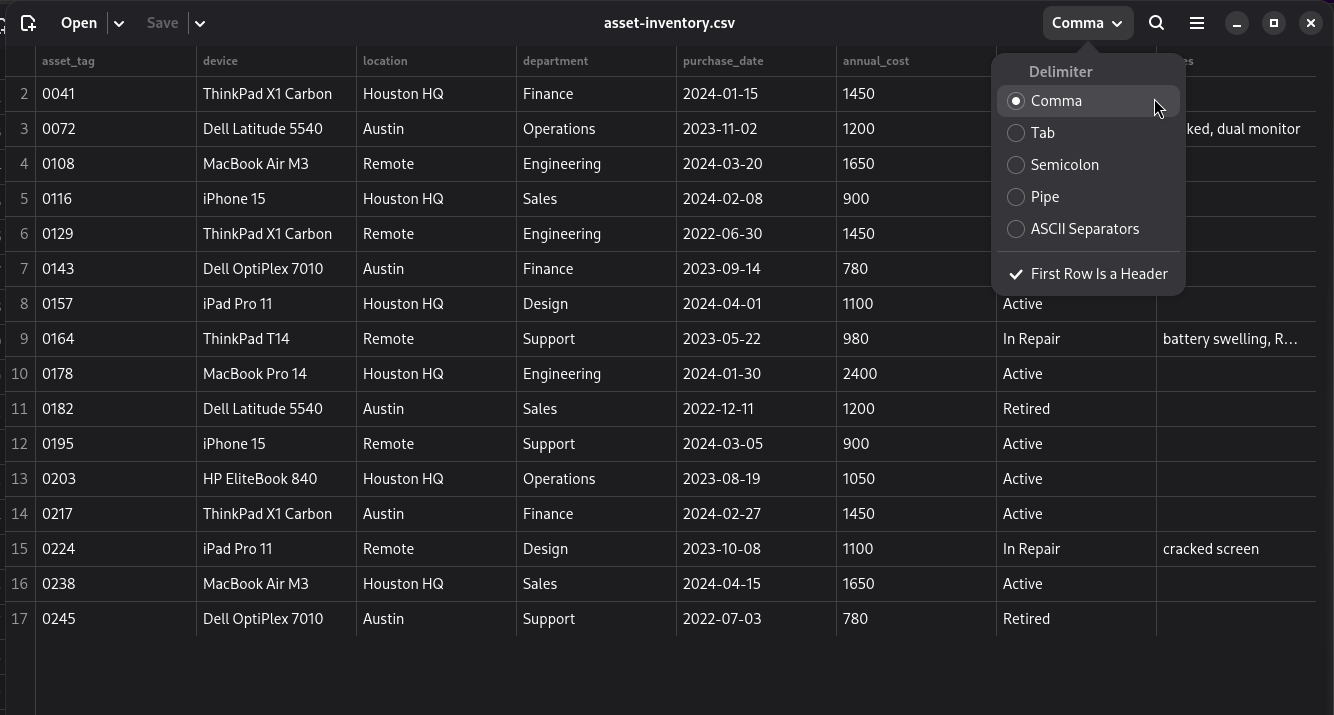
Open a file from the command line, the file manager, or Comma's own dialog. A delimited file does not say two things about itself — which character separates its fields, and whether the first row is column titles or data — so Comma guesses both and shows its guesses under the header-bar button that says how the file is being read. Both are one click from being corrected.
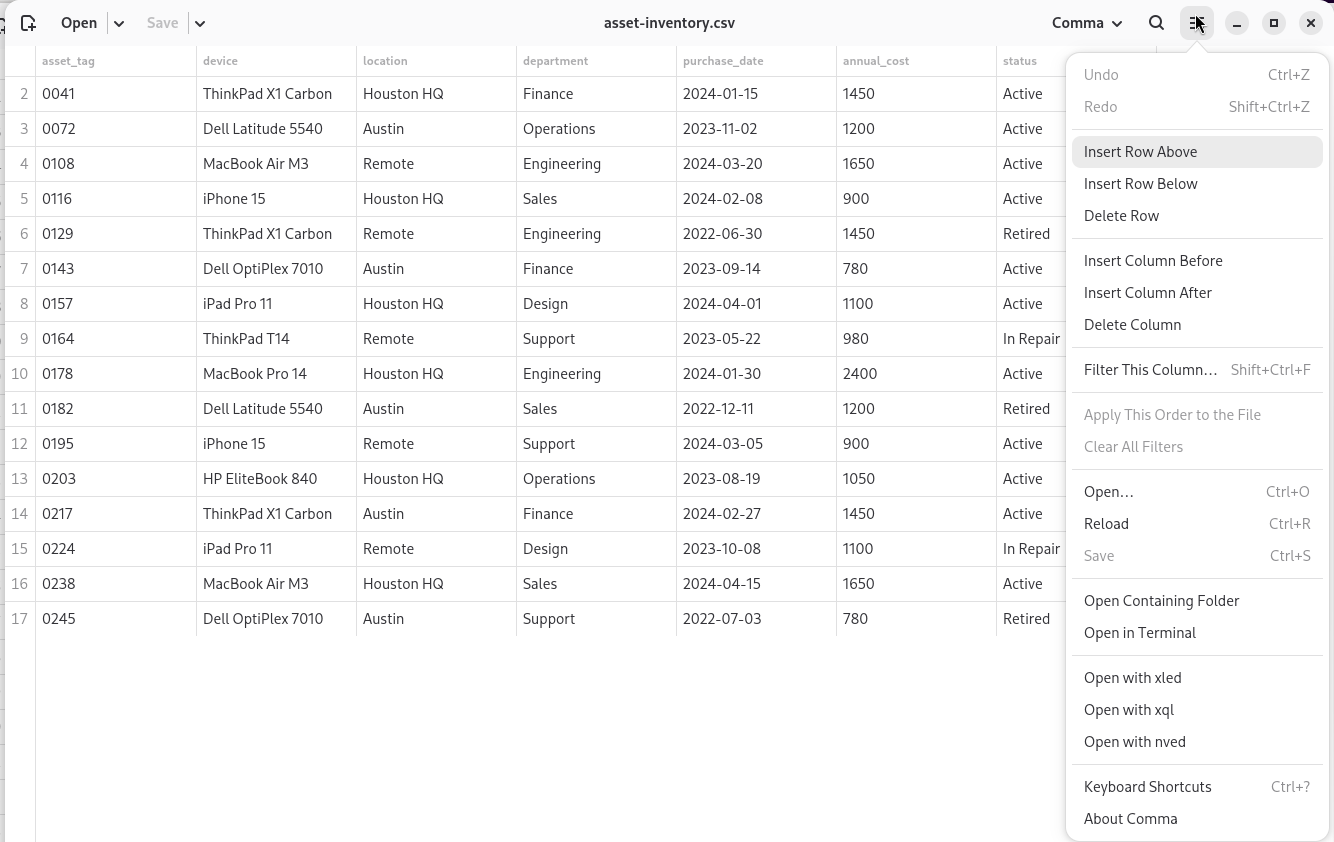
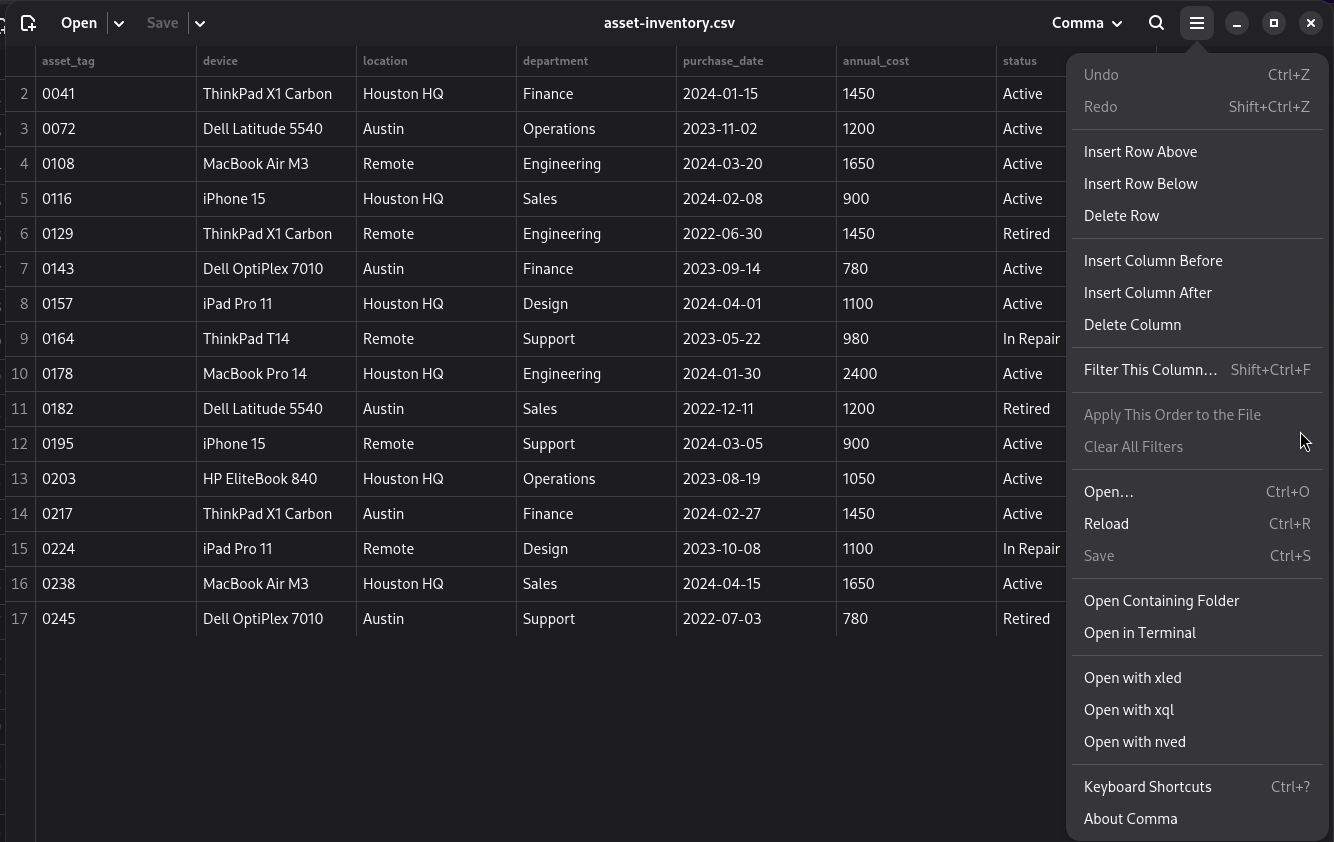
From there it is a grid. Cells are editable, rows and columns can be inserted and deleted, and everything can be undone and redone. Click a column heading to put the grid in that order without touching the file; one menu item writes that order down when you want to keep it. The row numbers down the side and the column headings across the top are handles for the operations that act on them, and both stay put as you scroll.
Searching hides the rows that nothing matched, so what you are looking at before you replace is what you are about to change. The title bar says how many rows of how many are showing, because a view that quietly hides rows is a lie about the file.
Ask a column a question
A column can be held to a condition of its own. Right-click its heading, or press Ctrl+Shift+F on a cell in it, and pick from nine: contains and does not contain, is and is not, is empty and is not empty, is greater than, is less than, and is between. Right-clicking a cell offers the shortest path of all — hold this column to the value already written here.
Several columns can each carry a condition, and they narrow one another; the search bar asks its question of the whole row, so the two do different jobs and work together. Numbers are read as numbers, so greater than 100 turns up neither a blank cell nor a stray £5, and text orders itself the way your own language does rather than the way the ASCII table would. Every condition in force is spelled out on a bar under the toolbar, each with the button that removes it.
Filtering never writes. Unlike a sort, there is no menu item that commits it, and there never will be — a file cannot record which of its rows you were not looking at.
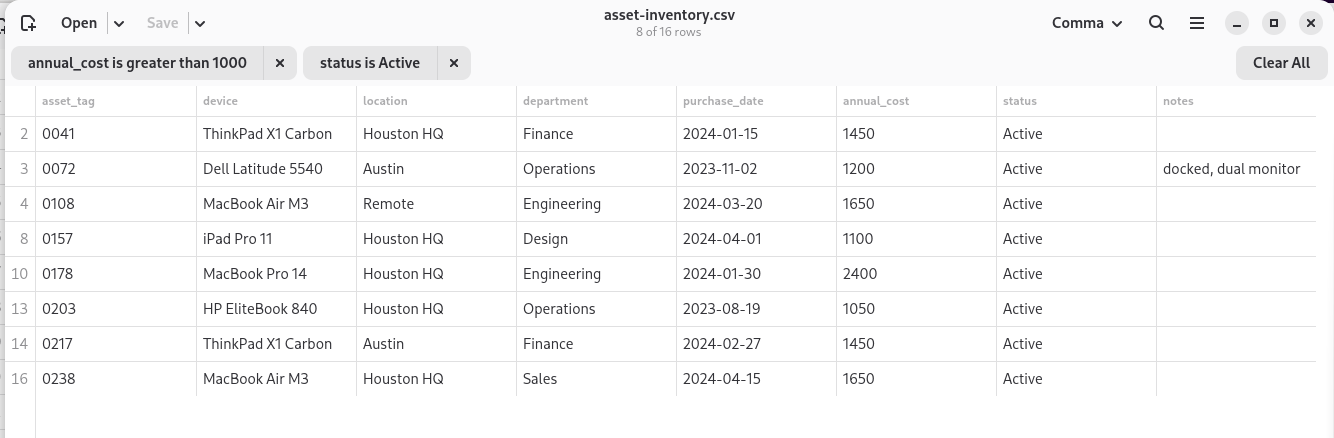
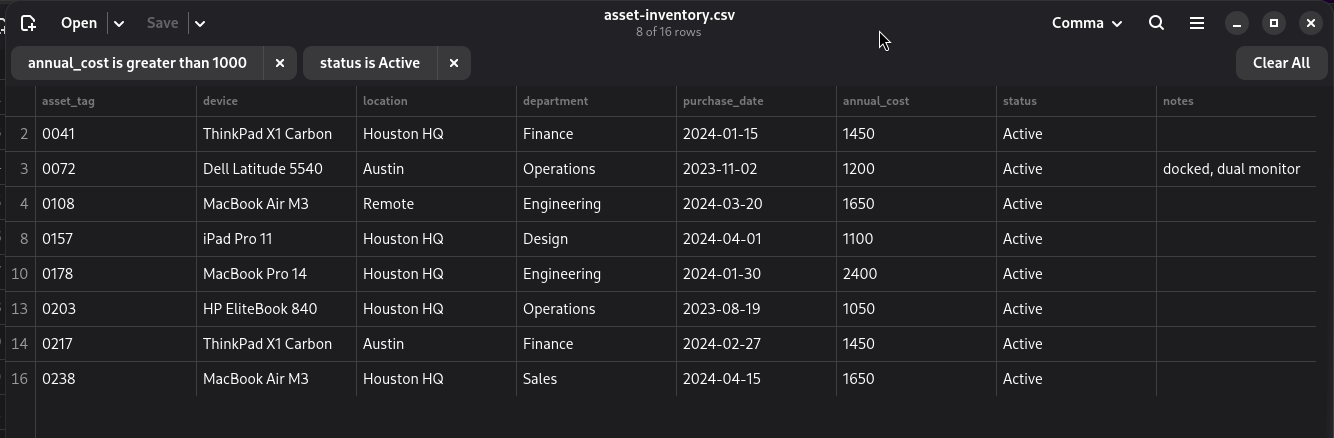
annual_cost above 1000 and status Active — narrow the view to eight of sixteen rows. The title keeps the count; each chip carries the button that removes it.Export is output, not a second format
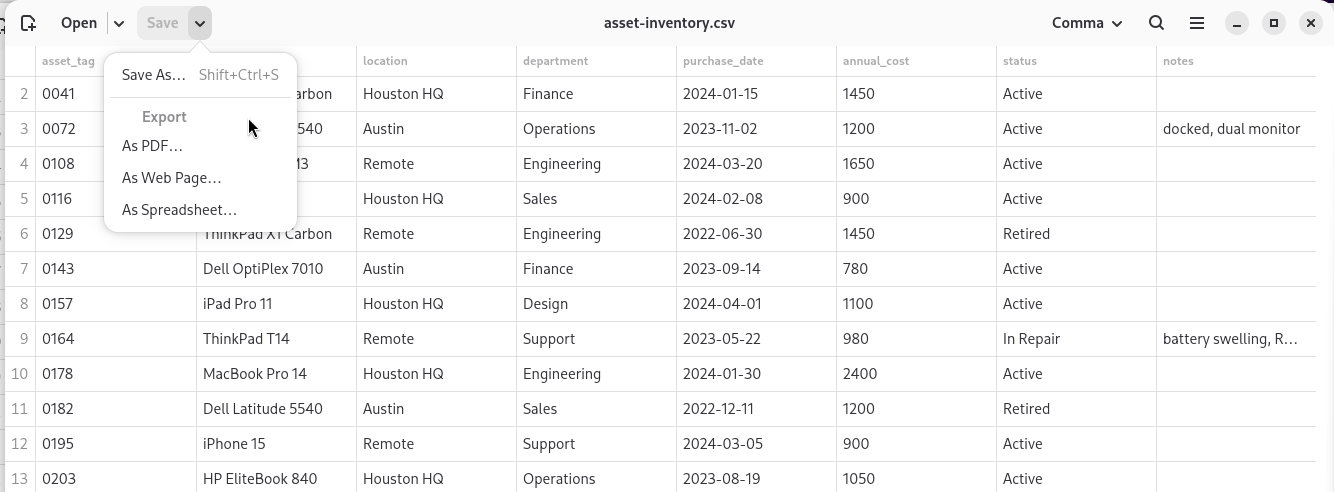
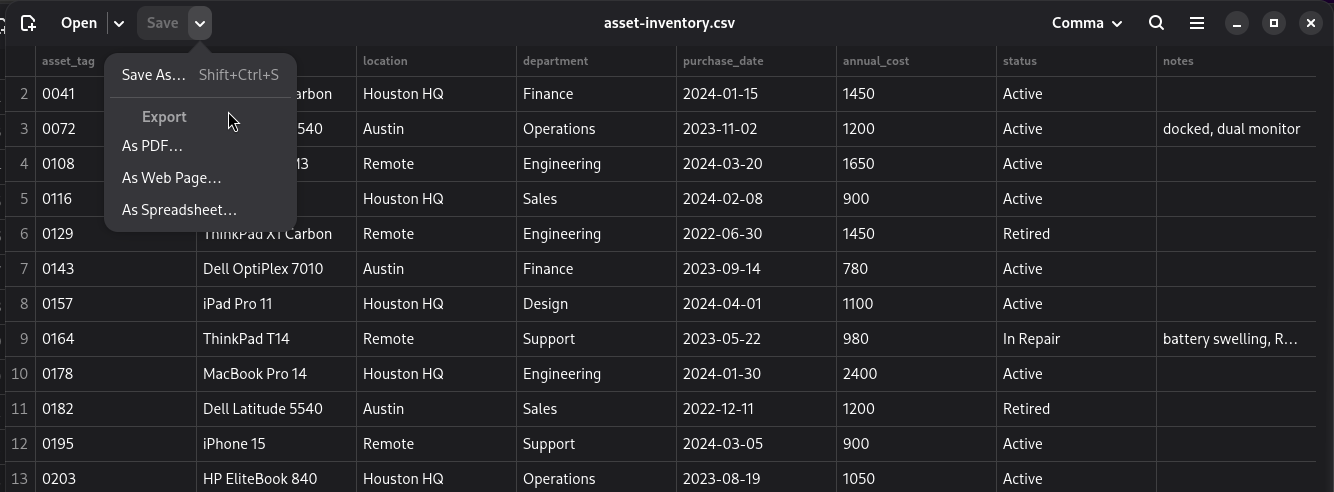
Comma writes what the grid is showing as a PDF, a web page, or an OpenDocument spreadsheet. All three are output: they are never reopened, never offered back as Save, and every value goes into them as text — a leading zero is still a leading zero, a sixteen-digit account number still itself. Export is a way to hand the current view to someone else, not a door to a spreadsheet's coercion sneaking back in.
The desktop way into tabular data
Comma is the graphical member of a small set of tools I build for messy tabular data, all holding to one rule: a delimited file is data, and no tool should change a value you didn't ask it to. On the command line that set is xled, which edits cell values, xray, which profiles a file and changes nothing, xshape, which reshapes the grid without touching a value, and xql, which runs SQL over the rows. Comma is the same discipline with a grid and a mouse instead of a prompt — for the times you want to see the whole file and reach into it directly.
Comma took its inspiration from Apostrophe, the GNOME Markdown editor. Both are named for punctuation, and both edit files whose structure is invisible skeleton rather than content: Apostrophe keeps your Markdown out of your way, and Comma keeps a delimited file's commas and quotes out of yours.
Install
Comma is built against GTK 4.18 and libadwaita 1.7, so it needs a distribution that carries both — Debian 13 or newer, or Ubuntu 25.04 or newer. Older releases are not a matter of rebuilding; the widgets are not there yet.
On Debian or Ubuntu
Comma is packaged for amd64 and arm64 in the Excelano apt repository. Add the repository once, then install — updates arrive with apt upgrade like any other package:
curl -fsSL https://excelano.com/apt/setup.sh | sudo sh
sudo apt install comma
Once it is installed, Comma appears in your applications and registers as a handler for delimited files, so you can open a CSV straight from the file manager, or from a terminal with comma file.csv. Building from source needs the same GTK and libadwaita versions plus a Rust toolchain; the README covers it.
Behind the tool
I built Comma because I wanted to open a CSV, fix the one thing that was wrong with it, and save it — without a spreadsheet quietly rewriting the columns I never touched. The discipline underneath it is the one I hold across all of this work: a tool should never change a value you didn't ask it to. No coercion, no reformatting, no rows reshaped behind your back. A native GNOME app felt like the right home for it, so it looks and behaves like the rest of your desktop and reaches everything from the keyboard. It speaks English and German.
Getting tabular data cleanly out of one system and into another, without corrupting the identifiers that tie the two together, comes up again and again in the migration and portfolio work I do for clients. If that is the kind of snag your team keeps getting caught on, it's the kind of work I'm glad to take on.
For technical users
Comma is open source under the MIT license, written in Rust on GTK 4 and libadwaita, following the GNOME Human Interface Guidelines: adaptive layout, a complete keyboard path, and full undo. The full source and design notes live at github.com/excelano/comma; the security policy is in SECURITY.md.