An app from Excelano
Parkett
A viewer for Parquet files.
Parquet is how data moves between Spark, pandas, DuckDB, warehouses and pipelines: columnar, compressed, typed, and unreadable without a program. Parkett is that program, for looking. Open a file and its rows are there, millions of them, in a grid that scrolls as fast as the window can draw, with everything the file says about itself one keystroke away. For macOS, Windows, and Linux.

Also with cargo and from source, with the code on GitHub.

Every row, shown for what it is
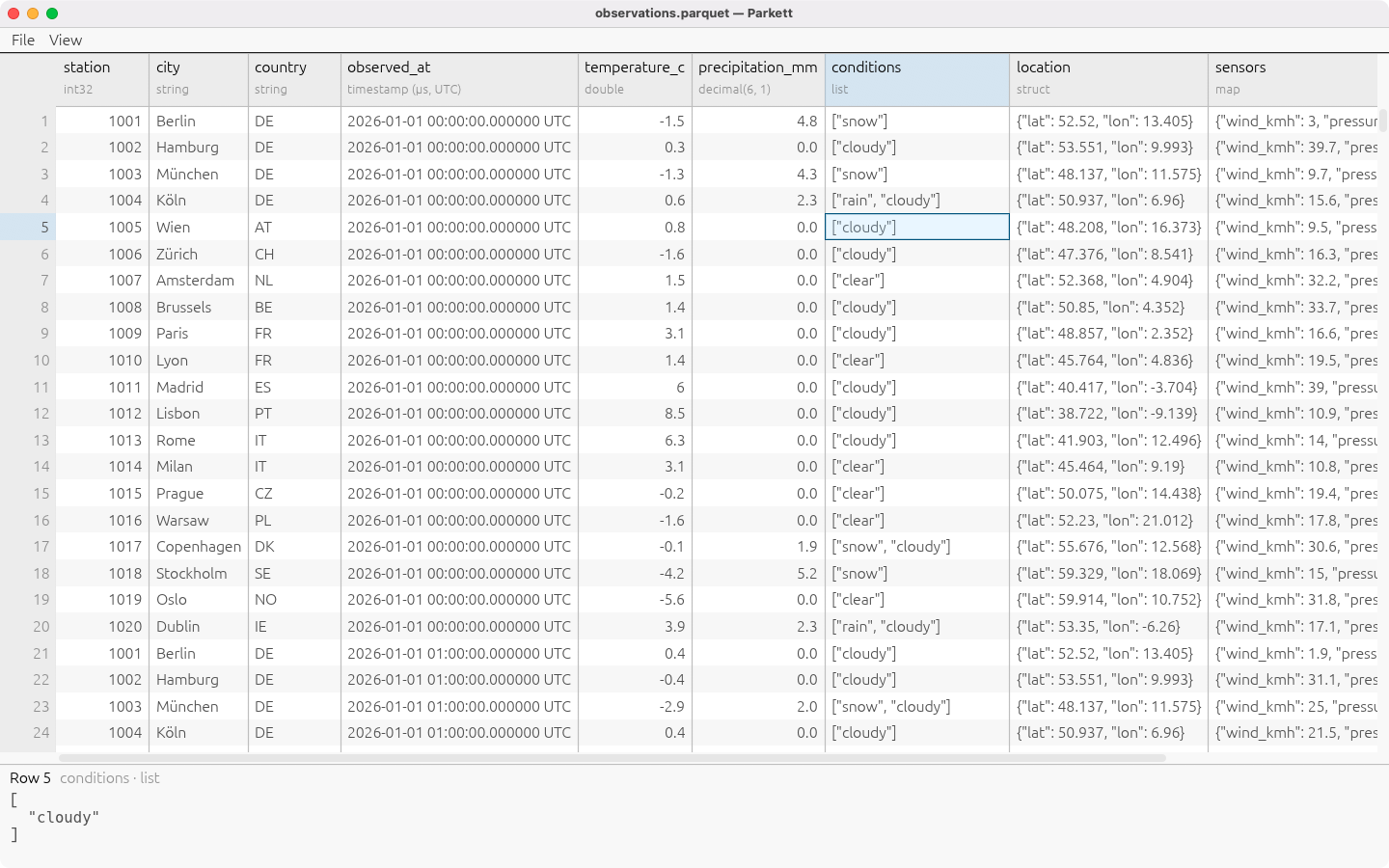
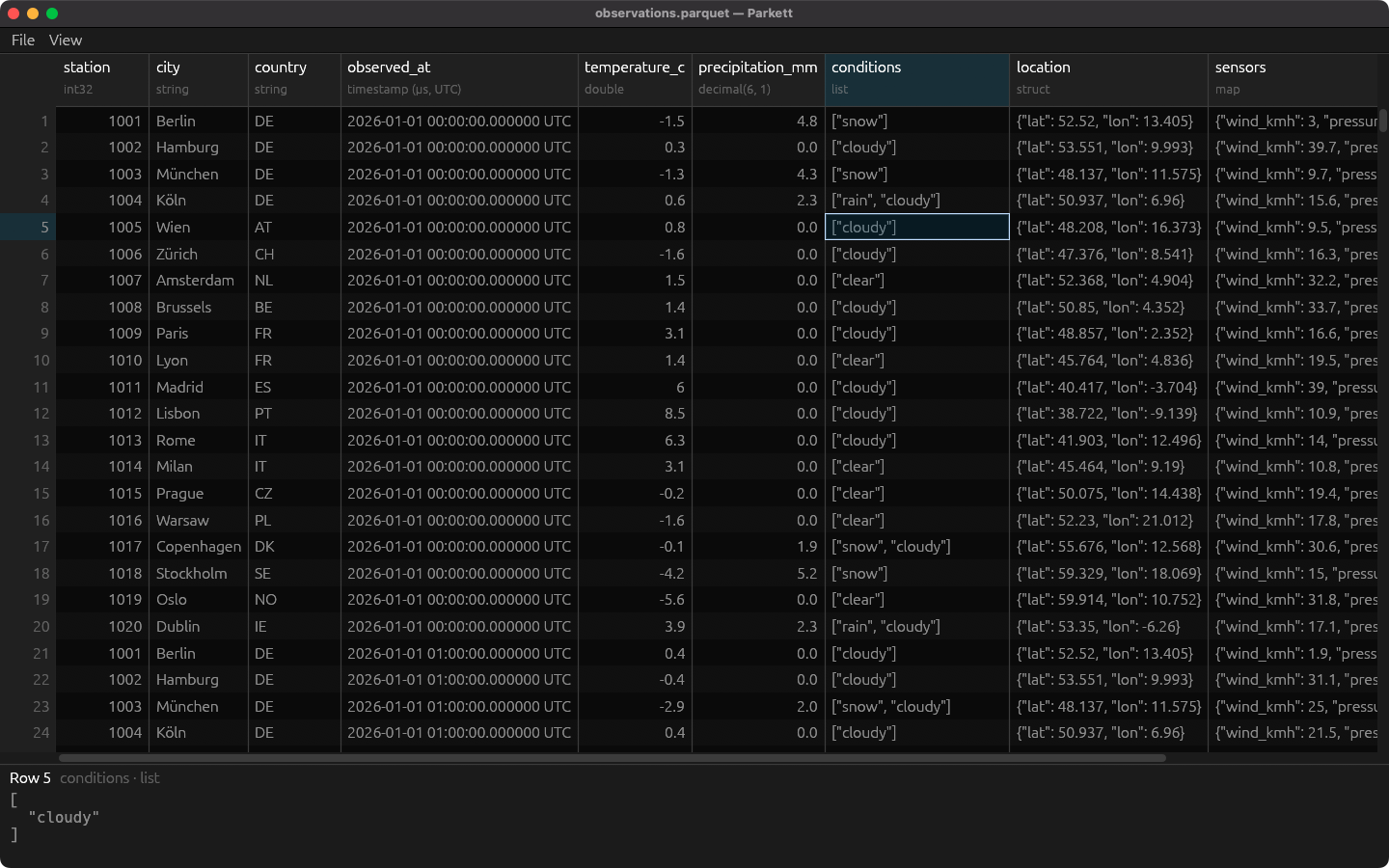
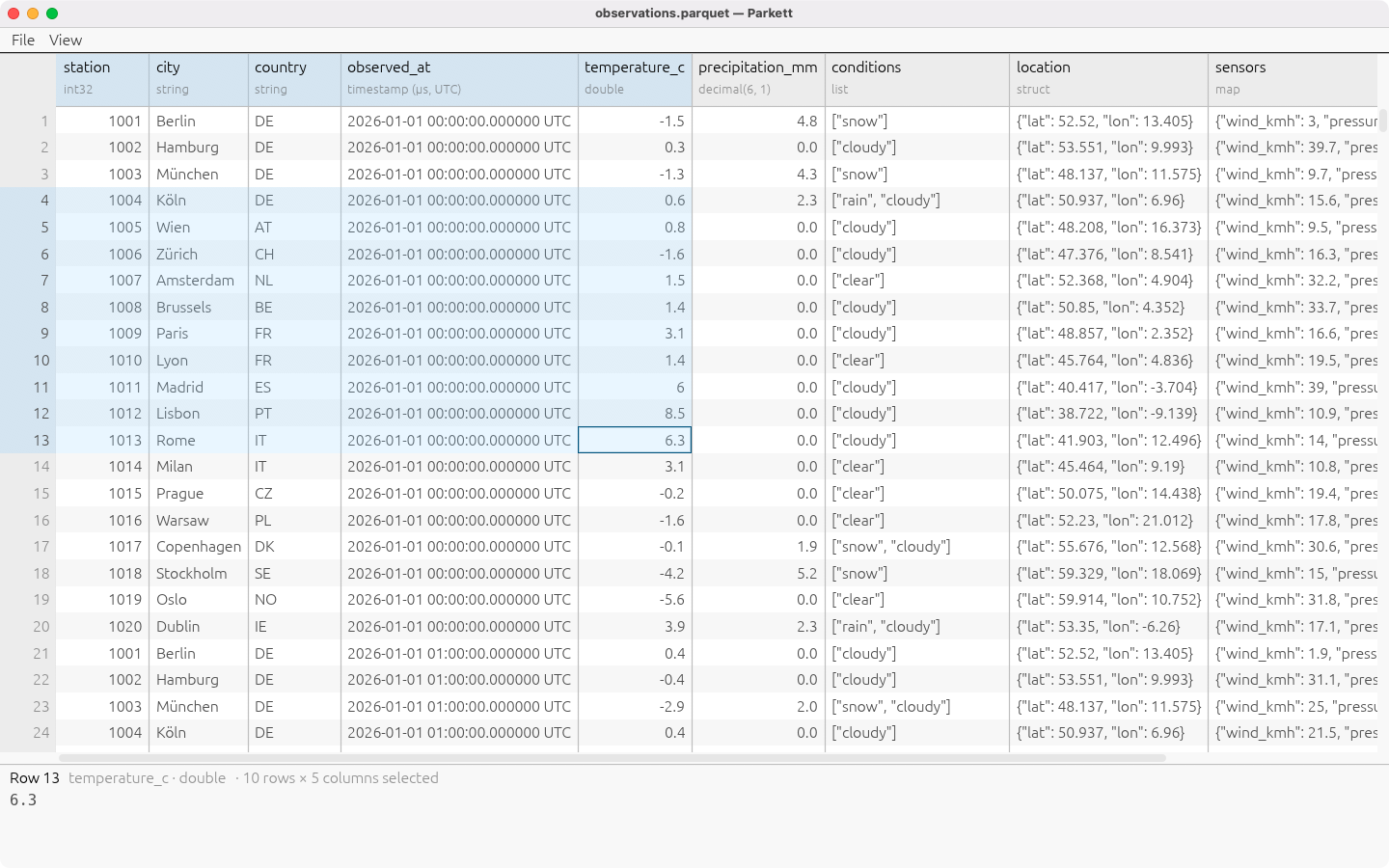
Each column carries its name and its type above the grid, and each value is shown in the form its type gives it rather than the form it is stored in. A timestamp is a date and time in its own zone, to the precision its unit records. A decimal keeps its scale. A date is a date. Binary is hexadecimal. A list, a struct or a map is JSON, so a nested column reads the way it was meant rather than as a row of leaf columns. Null is a faint mark of its own, so it is never mistaken for an empty string.
Select a cell and its whole value appears beneath the grid, a nested one laid out and indented, where its text can be selected and copied.
See it in action
What you can do
Open a big file at once
Parkett reads only the stretch of the file in view, decoded in blocks on other threads while the window keeps drawing. A file of millions of rows opens at once, and a jump to its last row takes a moment rather than a minute.
Read the file’s own description
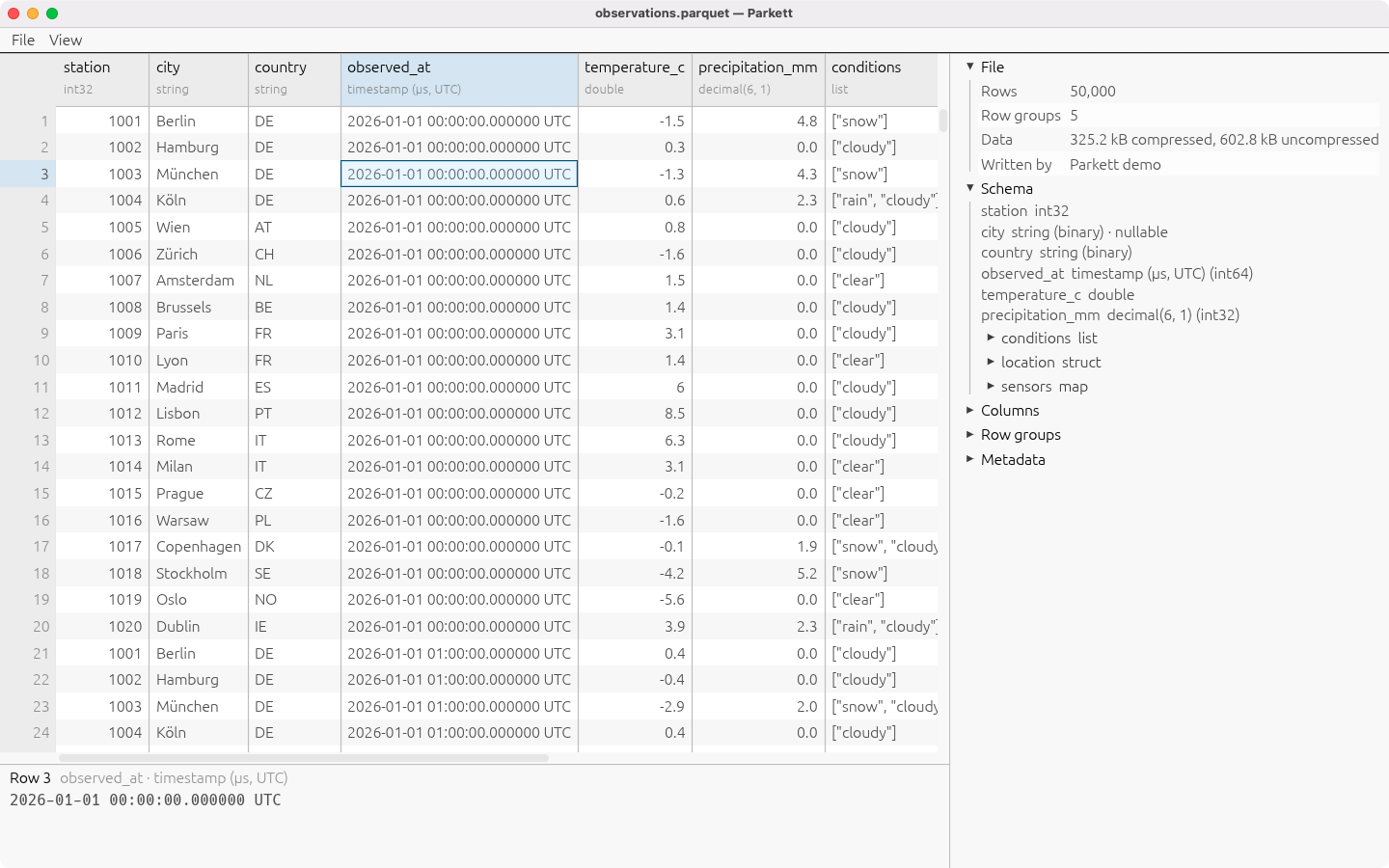
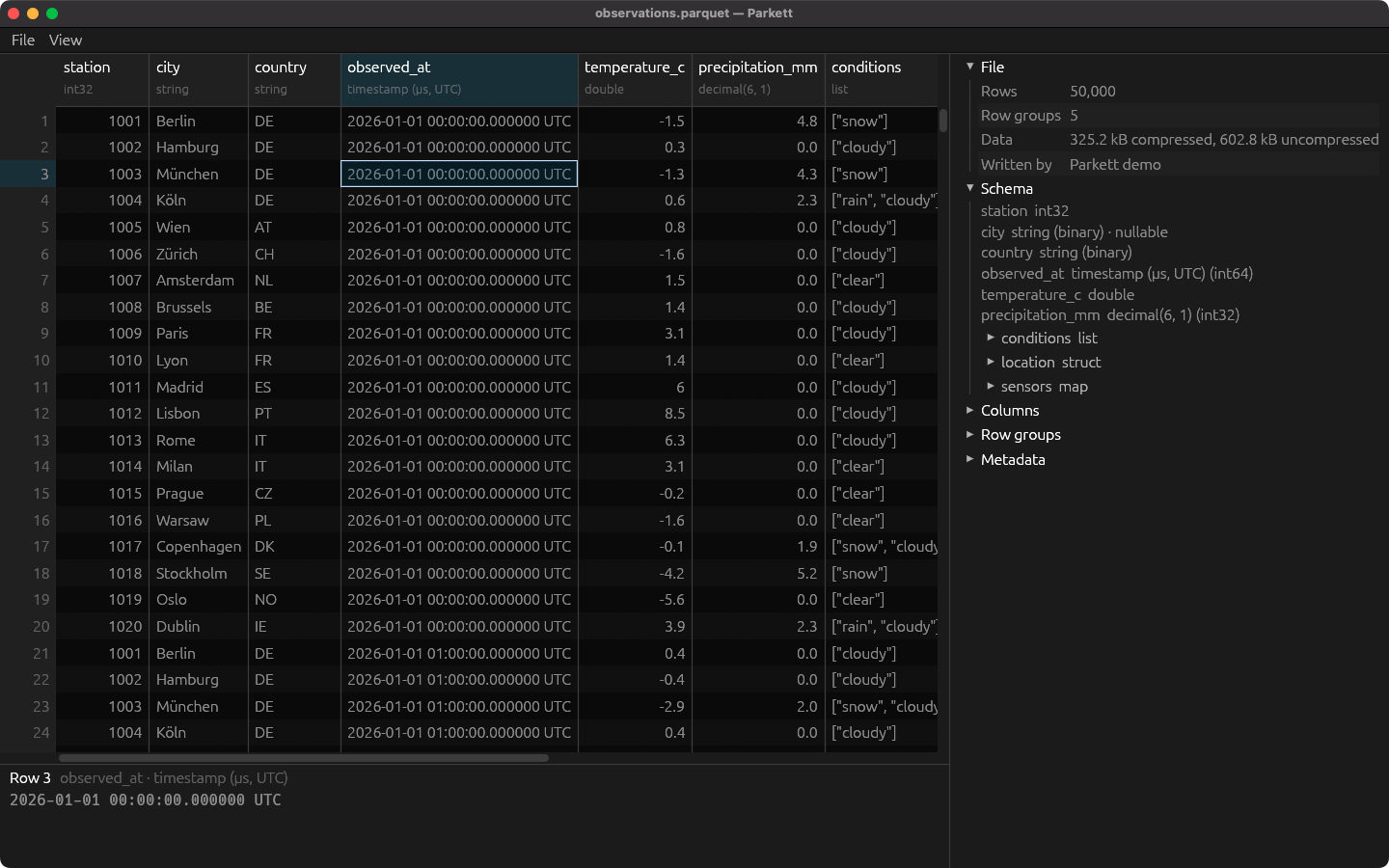
View, File details opens the footer beside the grid: the schema as a tree with every field’s type and whether it may be null, the row count, the row groups and their sizes, the program that wrote the file, the metadata it stored, and for every column its codec, encodings, sizes and the minimum, maximum and null count its statistics record.
Select the way a spreadsheet does
A cell with a click or the arrow keys, a range with Shift or a drag, a column by its header, a row by its number, the whole file from the corner. Escape brings a range back to one cell.
Copy into anything
Copy hands a range over as tab-separated rows, which a spreadsheet pastes as cells. A null becomes an empty cell, and a value holding a tab, a line break or a quote is quoted, so nothing splits where it should not.
Export to CSV
Every row, or the columns your selection spans, as CSV, with timestamps in ISO 8601 so a spreadsheet takes them as dates. It runs in the background with its progress beside a Cancel button, never replaces the file it reads, and an export that fails or is cancelled leaves whatever was at the destination as it was. When it finishes, Open hands the file to whatever opens CSV on your machine.
Every common codec
Snappy, gzip, Brotli, LZ4 and Zstandard are all read. A file in a codec Parkett cannot read still opens with its schema and metadata, and its cells say why they are empty.
In English and German
The window speaks the language your desktop is set to, down to how counts and sizes are written. What the file holds is shown as it is in every language.
It shows. It does not change.
Parkett never writes Parquet and never changes the file it opened. It does not sort, filter or run queries either; for that, DuckDB reads Parquet straight from its command line.
No network. No account. Nothing to send.
Parkett makes no network connection of any kind. There is no server behind it, no account to create, no analytics, no telemetry, no crash reporting, and no third-party service. It reads the file you open, writes a CSV only when you export one to the place you choose, and keeps nothing between runs: no settings file, no recent-files list, no remembered folder. Its dependency tree contains no HTTP client, which can be read off the source rather than taken on trust. On the stores its privacy declaration is “Data Not Collected.”
The full statement is at excelano.com/legal/#parkett, and because Parkett is open source, every line of it is verifiable in the source at github.com/excelano/parkett.
How to get it
Windows
The Microsoft Store listing is on its way.
macOS
The Mac App Store listing is on its way.
Debian and Ubuntu
Parkett is packaged for the Excelano apt repository. Add the repository once, then install; updates arrive with apt upgrade like any other package:
curl -fsSL https://excelano.com/apt/setup.sh | sudo sh && sudo apt install parkett
The package teaches the system what a .parquet file is, which nothing else on a Debian machine does, so a file manager shows Parquet files with their own icon and offers Parkett for them. It is built for amd64.
With cargo, or from source
Parkett is written in Rust and builds with a Rust toolchain and a C compiler, the second for the Zstandard library. It is on crates.io:
cargo install parkett
The README covers building from a checkout.
Behind the tool
I wanted to look at a Parquet file the way I look at a CSV in Comma: open it, see the rows, find the one that is wrong. The tools that exist are a query engine, a Python notebook, or a desktop viewer that brings a browser engine with it, and none of them is a small native window you hand to someone who has never heard of Parquet. Parquet is a file people are handed more and more, by data teams, by exports from cloud platforms, by pipelines, and looking at one should not need any of that.
Parkett is the window. The file is read by the Apache Arrow project’s own Rust implementation of Parquet, so what it shows is what the format says, and the work that is Parkett’s is the part around it: a grid that does not care how big the file is, values shown for what they mean, and a way to get them out again. If moving data between the systems your team runs is work you are doing, it is the kind of work I am glad to take on.
For technical users
Parkett is free and licensed under MIT. It is written in Rust on egui, and reads files with the parquet and Arrow crates from arrow-rs. The library that reads, formats and exports knows nothing of a window and forbids unsafe code; the one module that writes it receives a file macOS opens as an Apple Event. It is not pure Rust: Zstandard is the C library, chosen over a Rust decoder that read the same bytes but took about four times as long on a jump into an unread stretch of a large file, and the design document records that measurement and the cost of the choice. The repository is at github.com/excelano/parkett, with its design in DESIGN.md and its security policy in SECURITY.md.
Support
For questions, bug reports, or feedback, email support@excelano.com. Replies typically arrive within one business day.
Issues and feature requests can also be filed directly in the GitHub repository at github.com/excelano/parkett/issues. A file that Parkett shows wrongly, or will not open, is the most useful report there is; attach it if you can, or say which program wrote it.