A tool from Excelano
Xensus
Identity registry for Microsoft 365 tenants.
Most organizations have people in five places and a single source of truth in none of them. Xensus is the smallest thing that fills the gap: a self-hosted registry that assigns each person a permanent, never-reused ID and records where they show up — without trying to be the master of any source system.
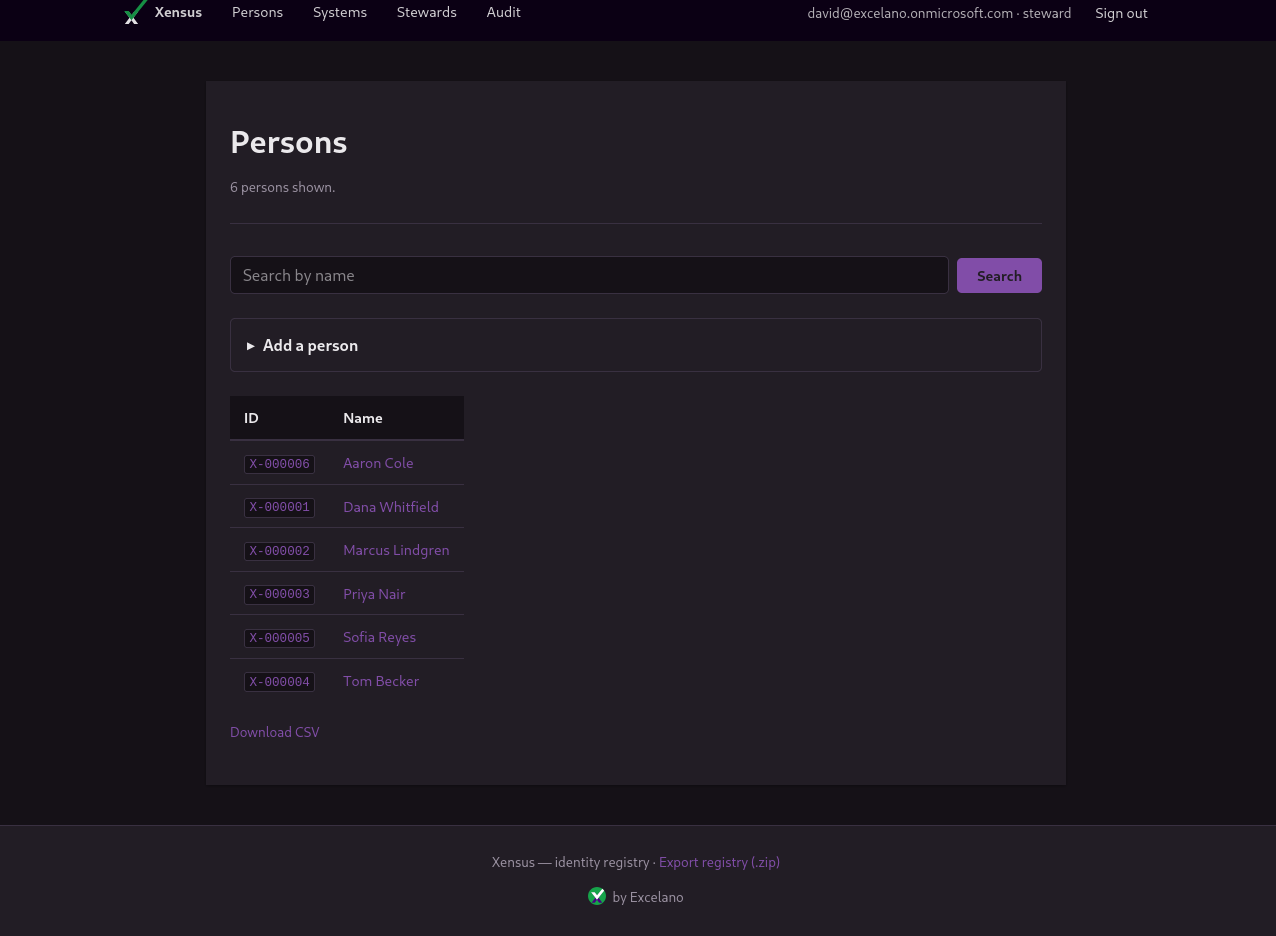
One job: a permanent ID for every person
HR tracks employees and some contractors. A vendor-management system tracks staffing-vendor contractors but not all of them. Consultants are tracked nowhere. MSP-managed staff need access but live in no corporate registry. Trying to anoint one existing system as the master usually fails, because no source system's actual job is to track everyone in the organization's orbit.
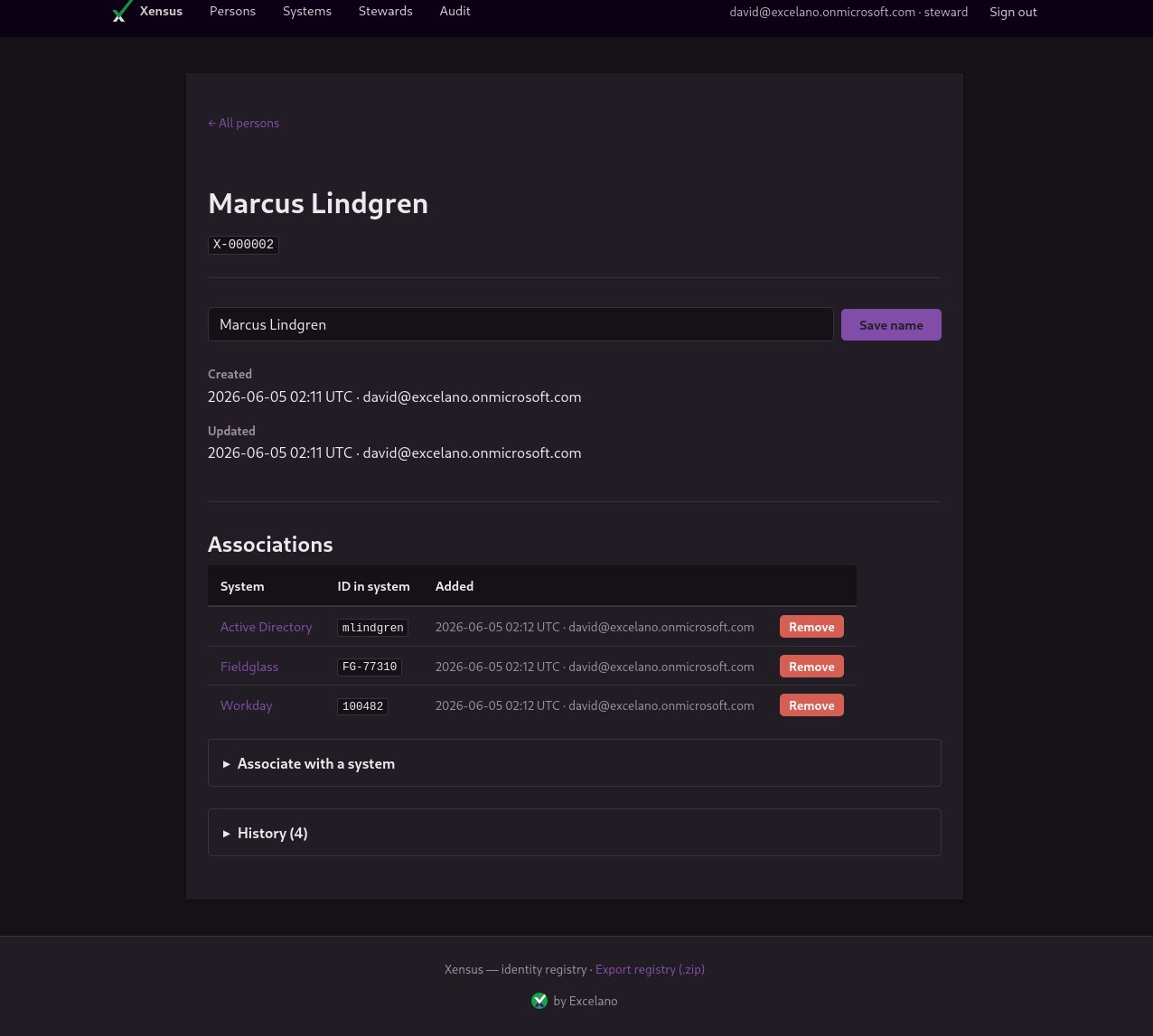
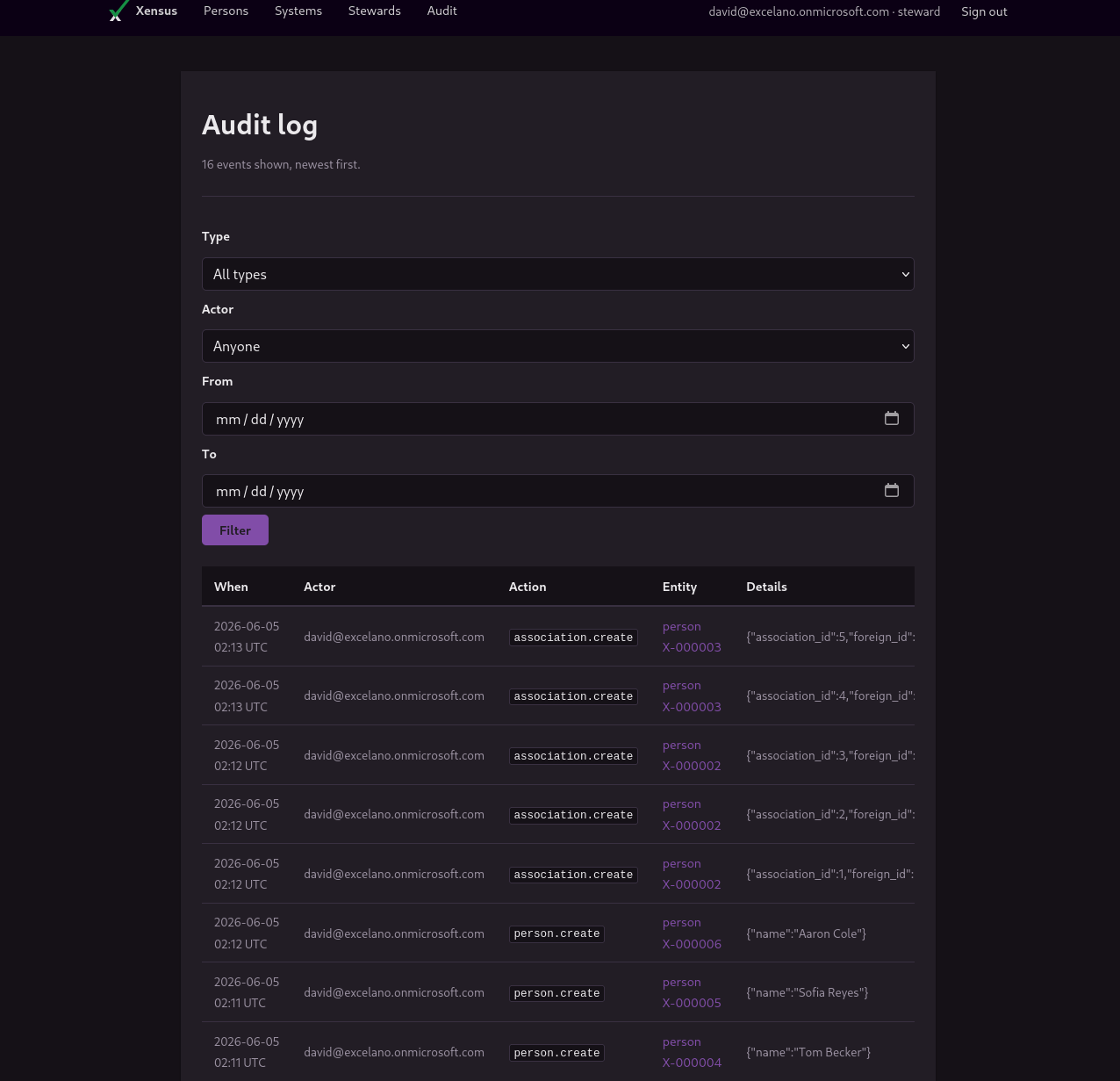
Xensus assigns each person a permanent integer ID — serialized everywhere as X-000123 — that is never reused. It records associations between a person and the source systems they appear in, carrying the foreign identifier each system knows them by: an employee number in Workday, a sAMAccountName in Active Directory, a worker ID in a vendor system. Every write is captured in an immutable audit log, stamped with who made it, inside the same transaction as the change.
It deliberately does not sync data from source systems, deduplicate, or try to replace your HR system, AD, or anything else. Stewards assert, and Xensus records — faithfully and audited — which makes it useful where stricter tools fail: when the truth is genuinely messy and lives across systems that disagree.
See it in action
A person reads at a glance as one identity spanning every system they appear in, with the foreign IDs that tie them together. Every change is on the audit timeline, newest first, filterable by entity, actor, and date.
Built for messy truth
Authentication runs entirely through your own Microsoft Entra tenant over OpenID Connect. Xensus never calls Microsoft Graph and reads nothing beyond the sign-in token. The first person to sign in to a fresh deployment binds it to their tenant permanently and becomes its first steward; tokens from any other tenant are rejected before a session is ever created.
From there it is a working registry: stewards add the source systems worth tracking, then add people — each new person mints the next permanent ID. Any list filters by name and exports to CSV, and a steward can pull the entire registry as a single zip from GET /api/v1/export. Stewardship passes by invitation, and a steward can never remove themselves, so a deployment can never be left with no one able to maintain it.
Install
Xensus is a single static binary — pure Go, no CGO — for Linux, macOS, and Windows on amd64 and arm64. Run it behind your reverse proxy and point it at an Entra app registration; the configuration guide covers the OIDC setup.
With Go (1.22 or later)
go install github.com/excelano/xensus@latest
Debian or Ubuntu (.deb)
Download the .deb for your architecture from the latest release and install it:
sudo dpkg -i xensus_*_linux_amd64.deb
Prebuilt binaries
Tarballs for every platform, with SHA-256 checksums, are on the releases page. A one-line convenience installer is documented in the README. Confirm any install with xensus --version.
Behind the tool
Xensus stops at the registry on purpose. Getting your source systems to flow into it — pulling people from HR, reconciling them against Active Directory and your vendor systems, keeping the associations current — is integration work. That is what I do for clients as an independent Microsoft 365 builder.
If you are staring at people scattered across five systems with no source of truth, the registry is step one and I can help with the rest.
For technical users
Xensus is open source under the MIT license, written in pure Go with no CGO. The full source, the configuration guide, and the data model live at github.com/excelano/xensus. The security policy and supported versions are in SECURITY.md.